AI: Overview
Info
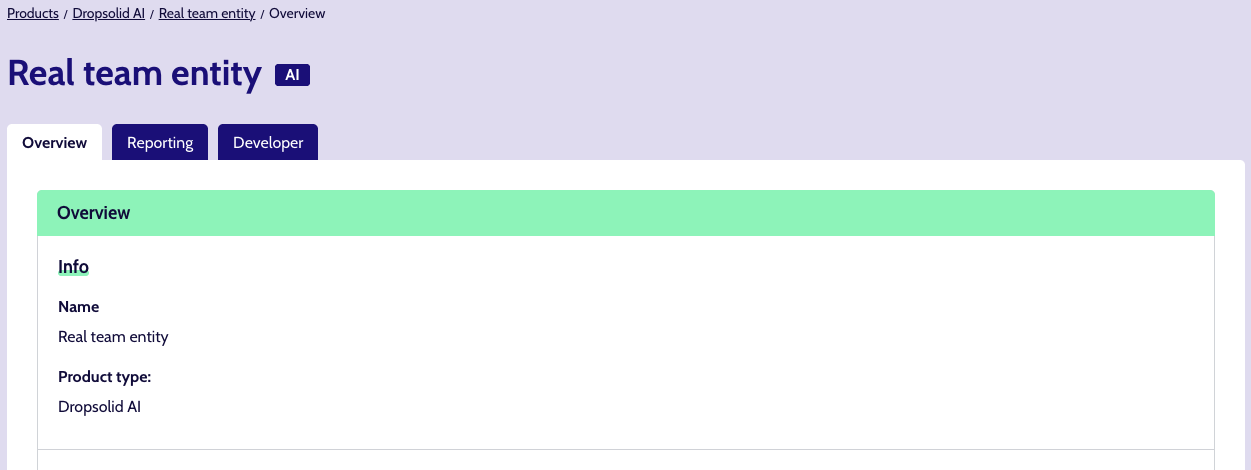
Clicking an AI product name (be it in the listing or in the search suggestions), brings you to the Project itself.
This should have 1 tab ‘Overview’, containing basic information such as:
- name
- description (optional)
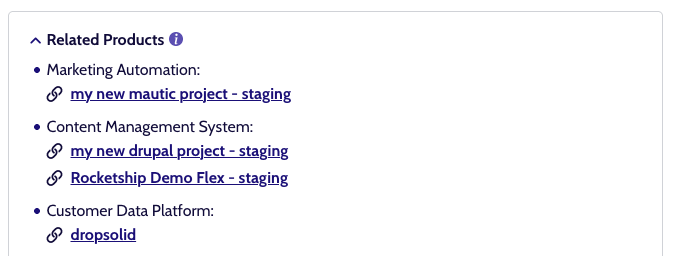
Some Products are part of a group of related projects. In that case you can see a ‘Related products’ block on the right, linking to the others.
Metrics
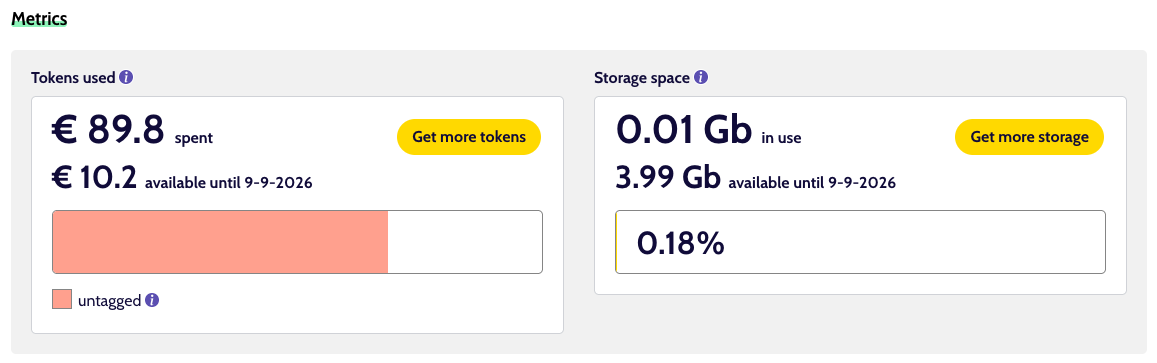
Beneath the Info, you’ll find some blocks with status bars to show you what resources have been used and how much budget you have left.
Tokens used
Warning
Be aware that these numbers are based on daily polling and so are 1 day behind.
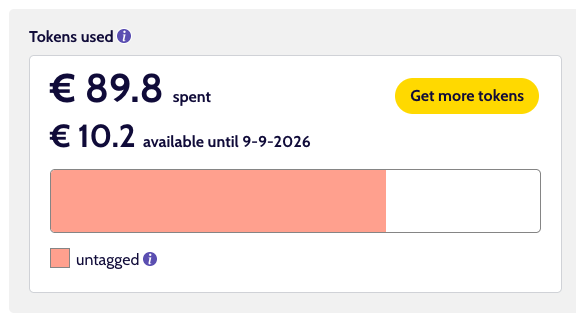
This shows you how much budget you have available to spend on AI tokens, and how much of it was used across different features.
Depending on the implementations used, you might see features like AI Search or AI assistant here. If the applications are not tagged by the developer, they fall back to the category ‘untagged’.
If you are running low on resources, you can use the ‘Get more tokens’ button to get in touch with the support team.
Storage space
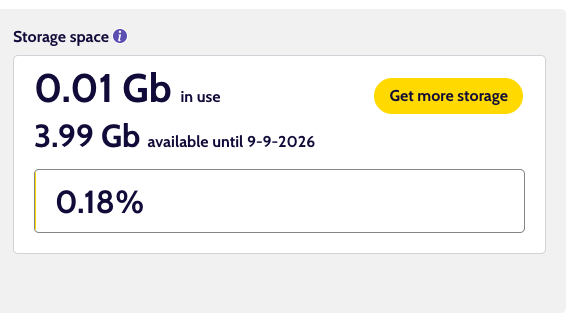
This shows you how much data storage is being used by AI models.
Similarly to the tokens usage, you can request more storage by using the ‘Get more storage’ button and getting in touch with the support team.