CDP: Segments
A segment is a group of users that share similar characteristics or behaviors. It is used in marketing to target specific groups of users with personalized content.
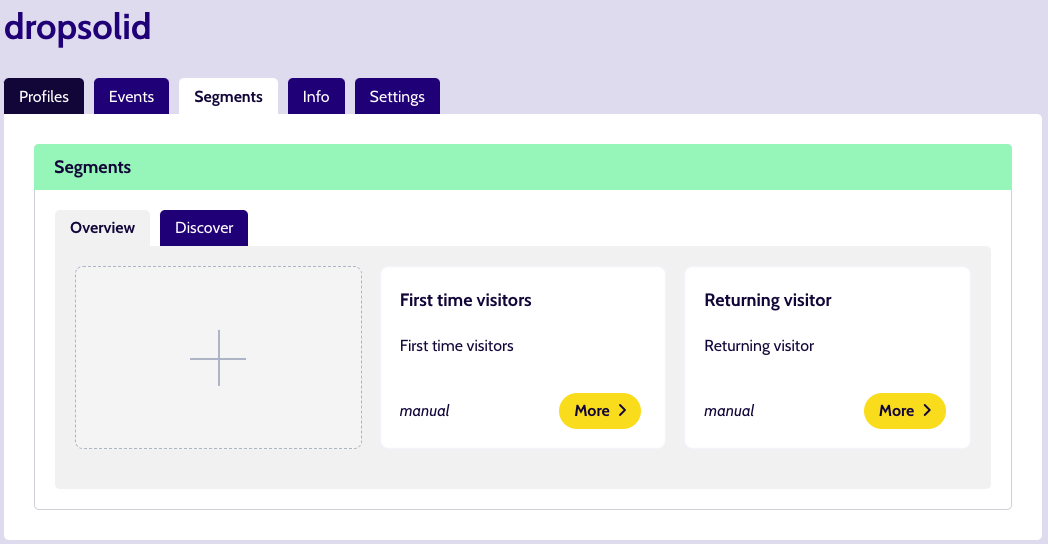
Overview of segments
The segments created for the CDP, are based on various properties based on the interaction of the visitor, on the domains where a data capture script is included. The segments can be created manually (using the options below) or automatically (by Unomi).
Filtering
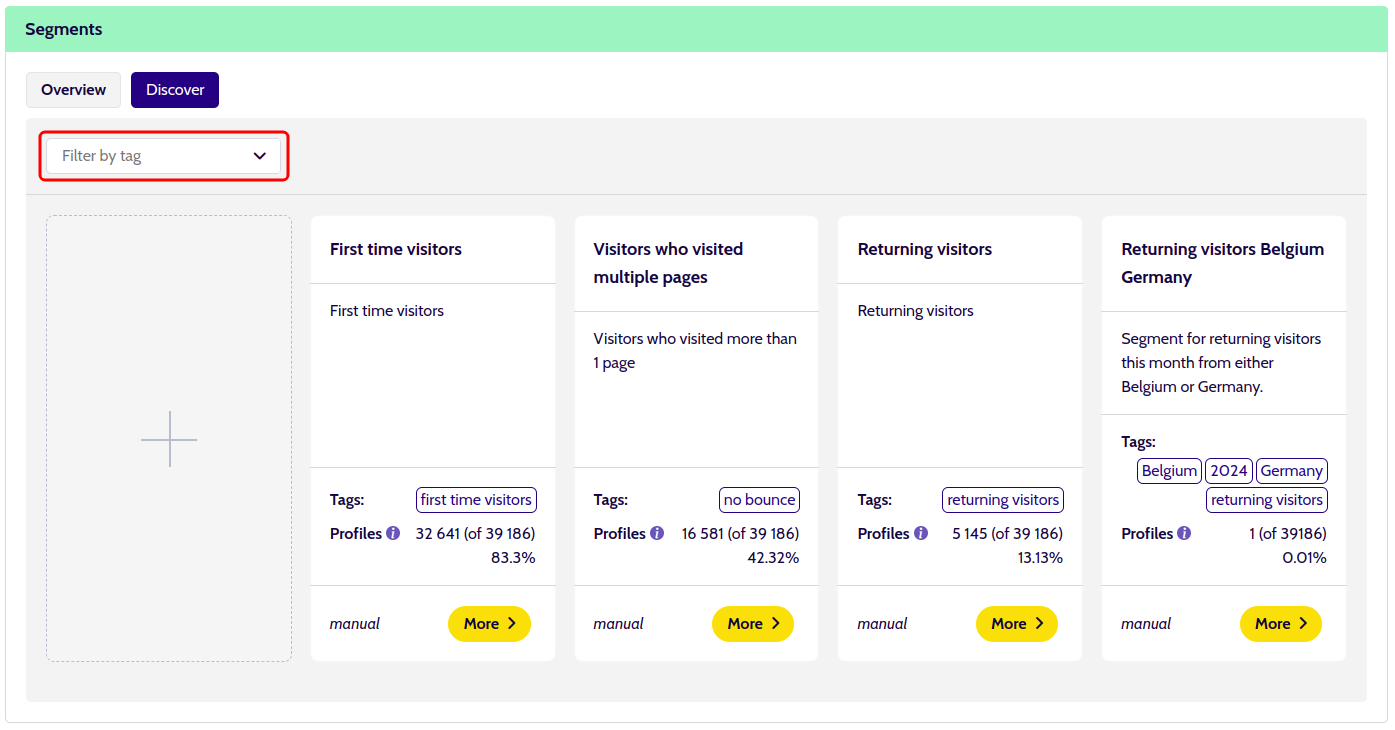
There is some filtering available in the Segments overview.
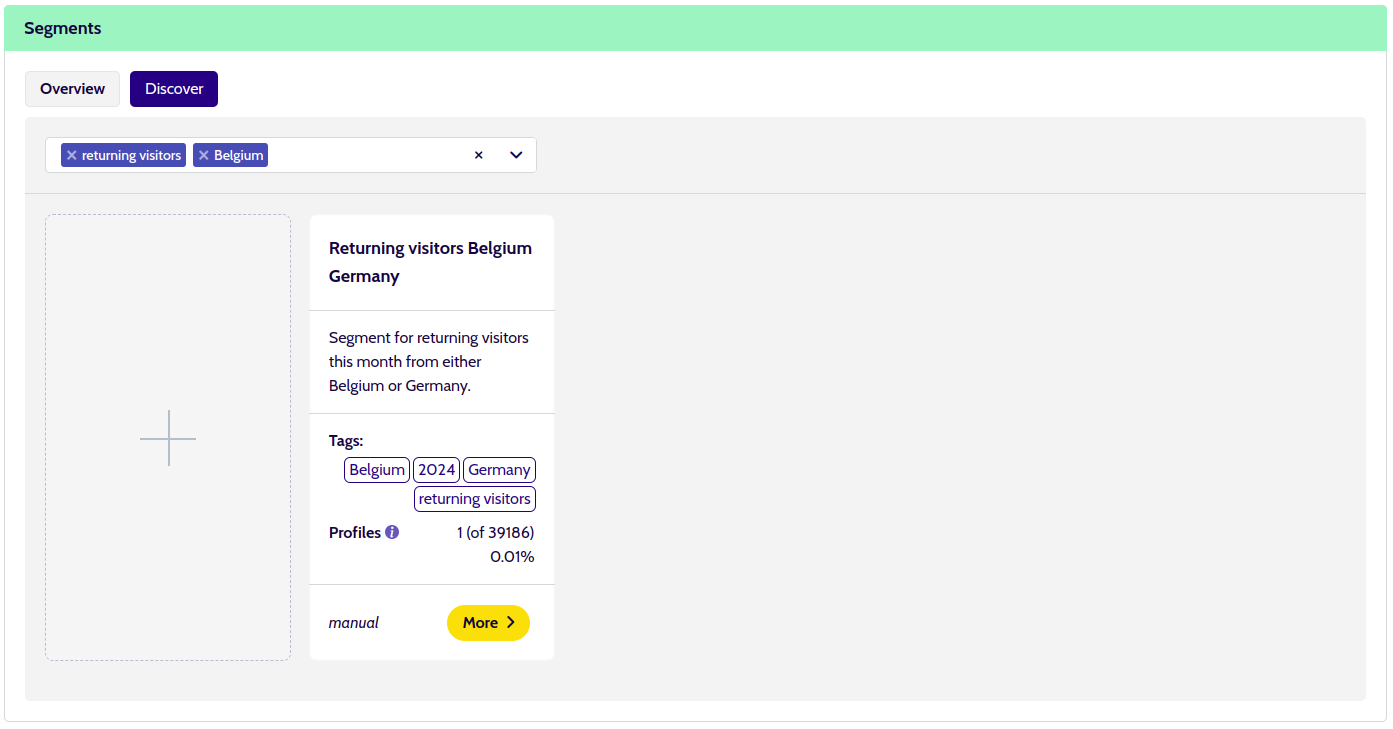
When creating or updating a segment, you are able to add tags to that segment, these are then available to filter the overview.
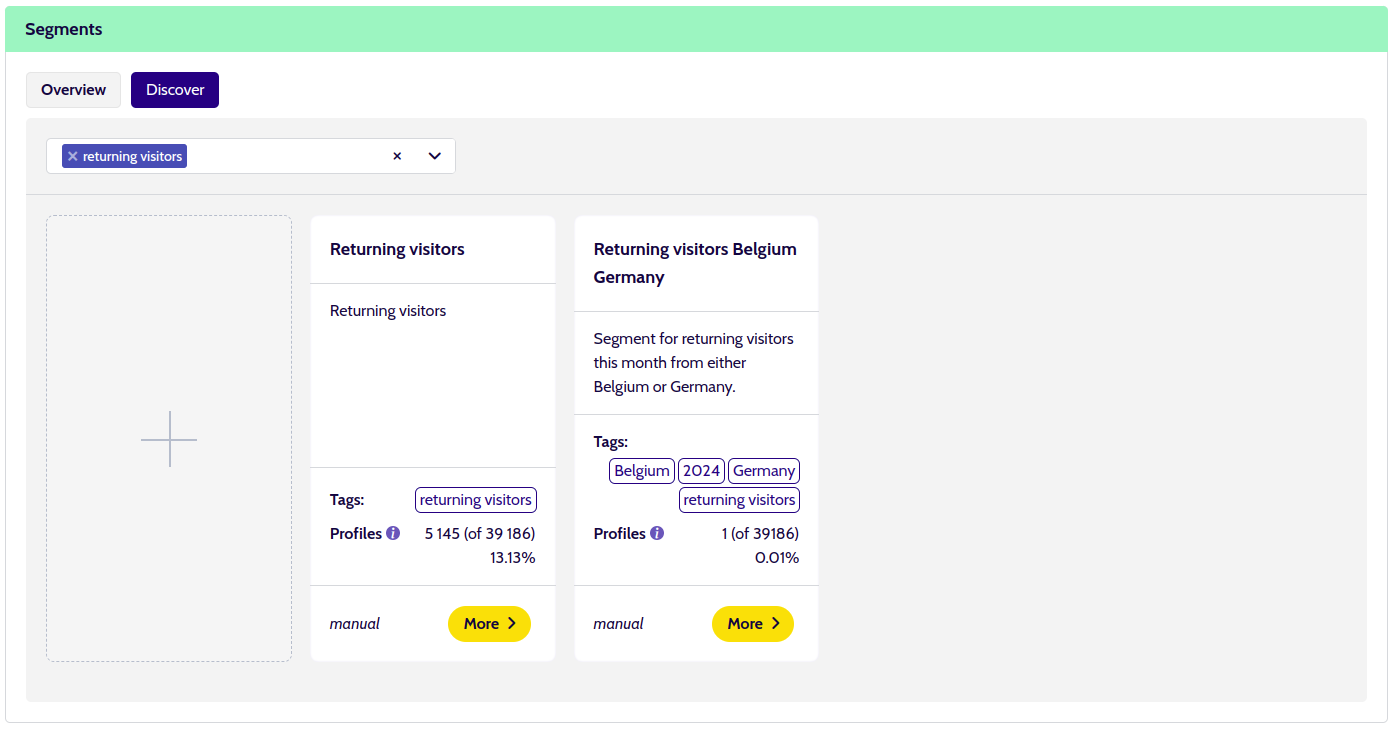
The filter uses an AND operator, this means that if you select multiple tags, only segments that have all of those tags will be shown.
You can also click a tag of a segment, then the filter will be automatically filled in for just that tag.
Discover
Models and classifications
A model is a machine learning model that will use the user sessions we have stored per CDP and divide them into groups based on the words used in the paths and metatags of those sessions.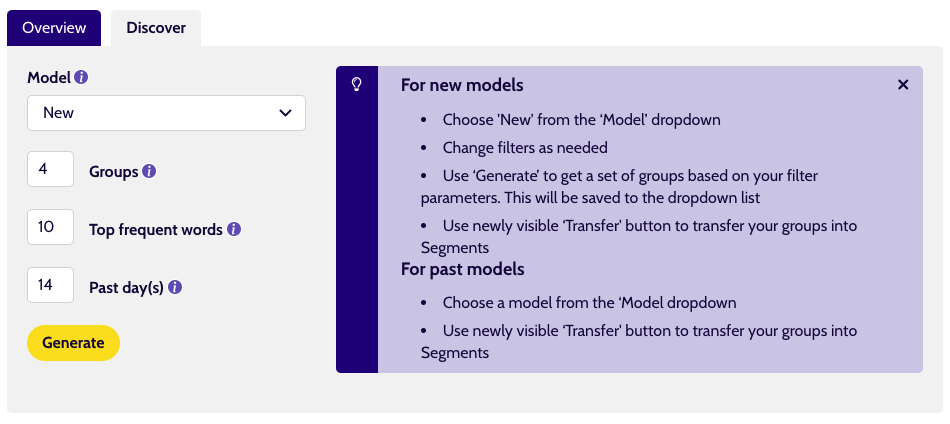
A model has multiple groups, called classifications.
When a model is activated, this will be used to classify the user in one of the classifications.
This classification will also be sent to Unomi and added to the user’s Unomi profile.
This allows you to create segments based on these classifications. This can be done through the transfer to segments action.
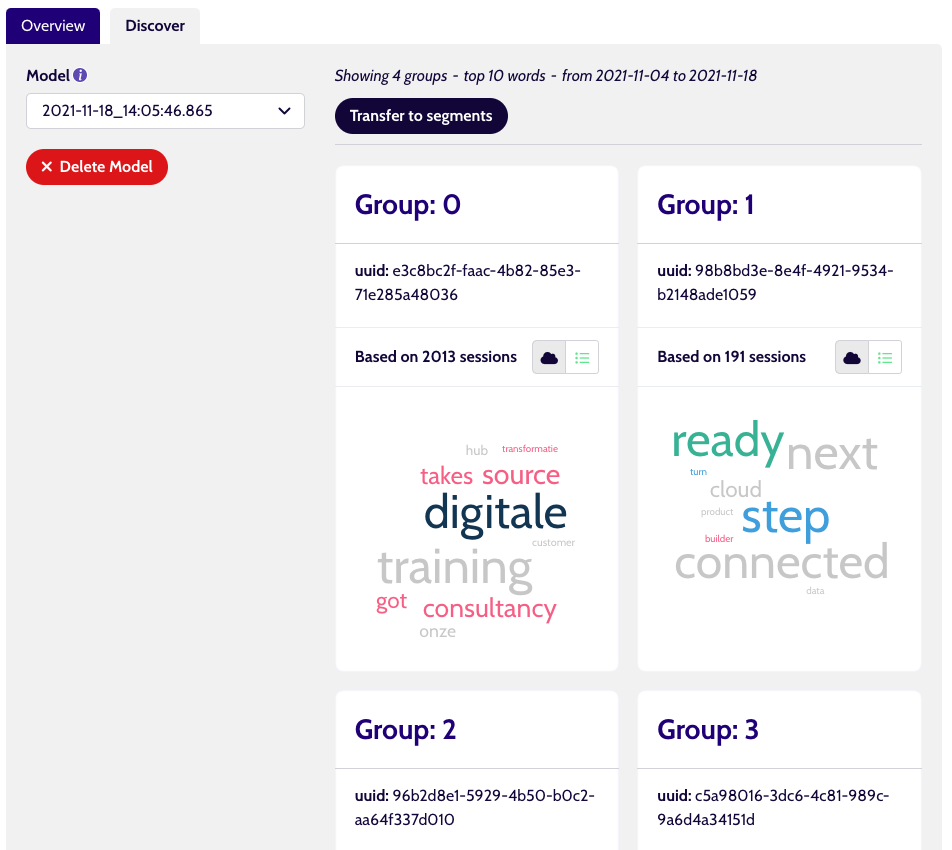
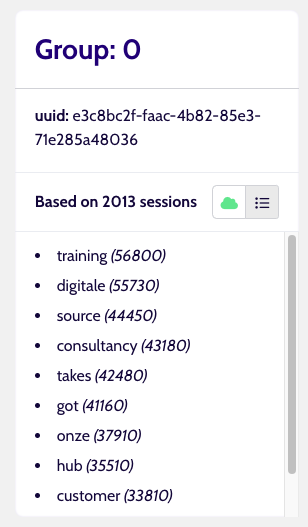
A classification contains multiple sessions that are connected by recurring words in the path or metatags of the pages they visited. These words can also be seen in a word cloud. The more times the word is present in the classification, the bigger it shows on the word cloud.