Edit a Segment
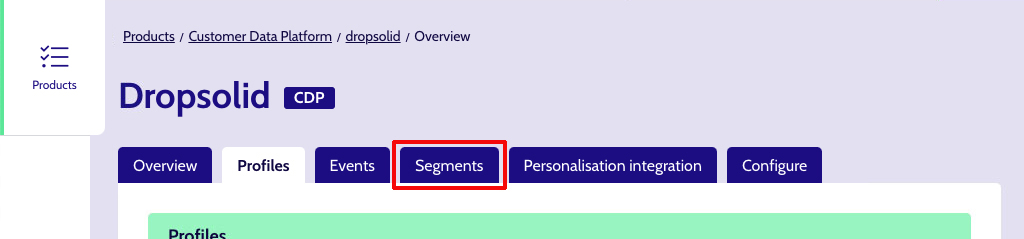
First of all, on the CDP, find the segments-tab and click to open it:
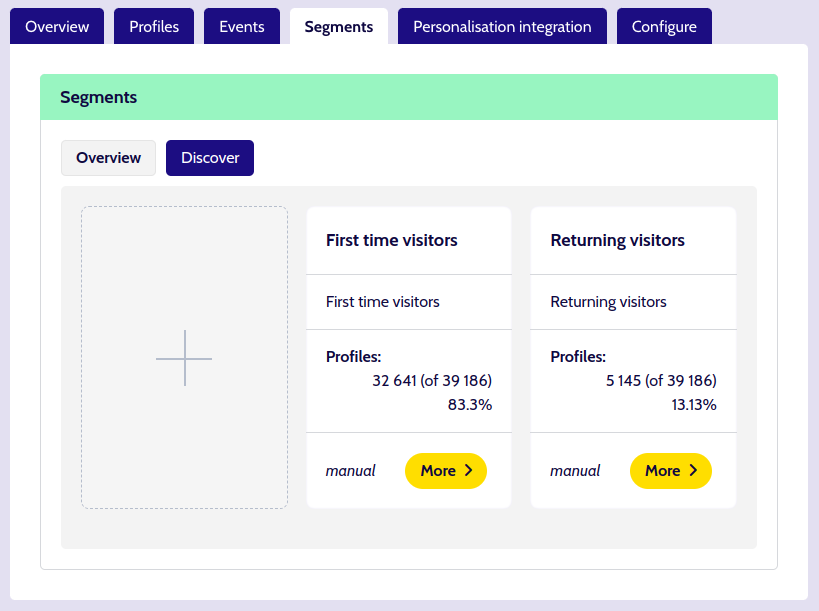
From the Segments Overview page, click on the More button or Card title to open the desired Segment.
If you have permissions to manage Segments, you should see fields you can edit the content for, and save the segment (bottom of the segment page).
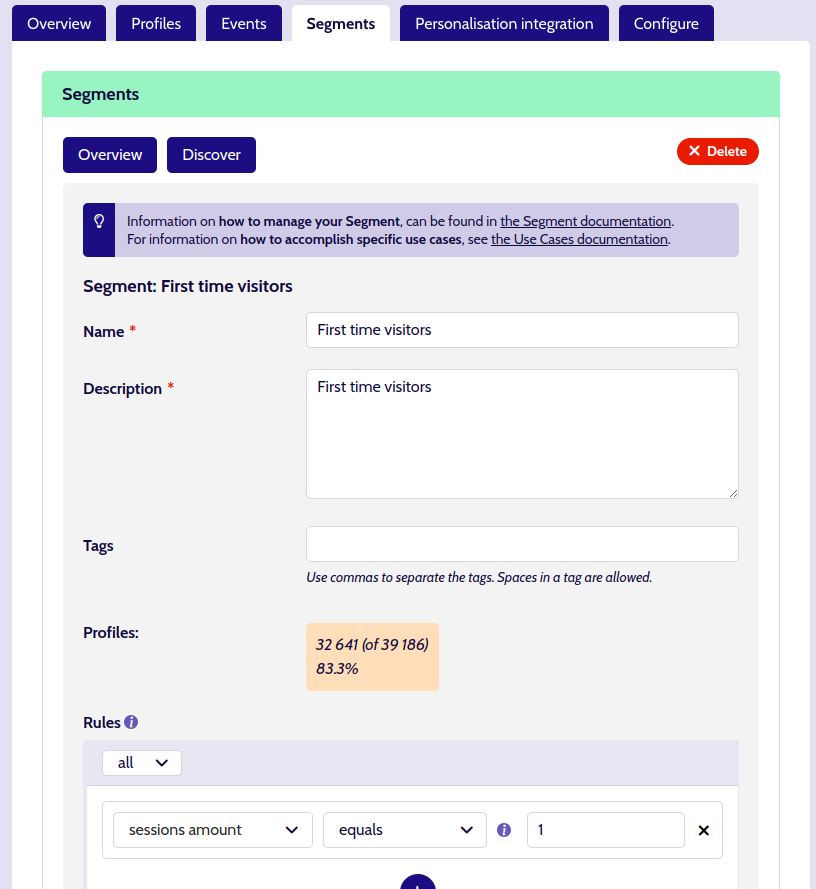
Editing the Segment involves changing the same fields as you would when creating a new Segment. The only difference is that on an existing Segment detail page, you have all the fields on 1 screen instead of in 2 steps.
Edit the Segment Info
See the 'New Segment' Info documentation.