Products: Overview
Your main base of operations will be the overview page. Here you can find a list of all the Products managed by the Organization(s) you belong to and are accessible by you.
At first, your interface is very simple: just a grid of cards representing the Products, ordered by Type.
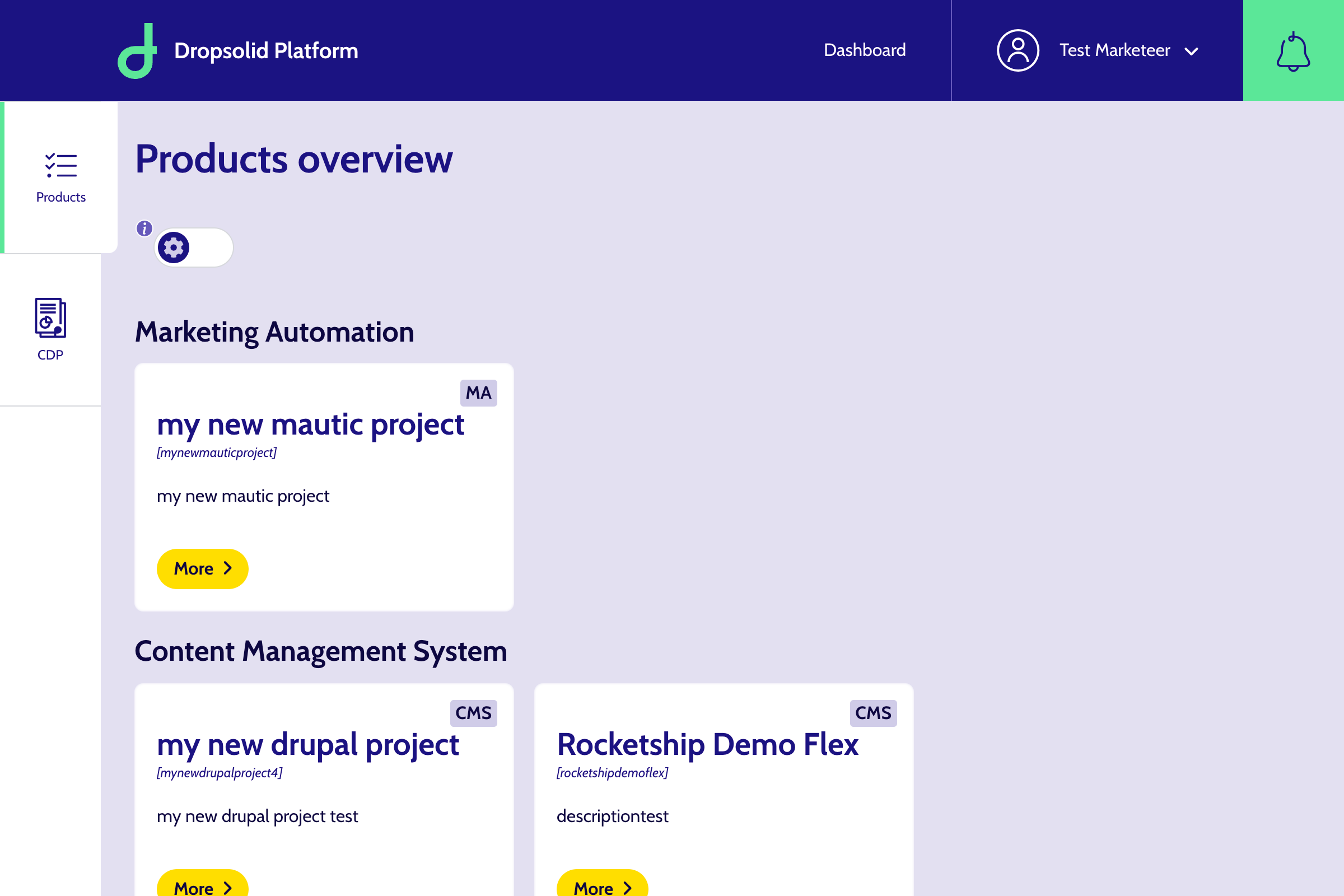
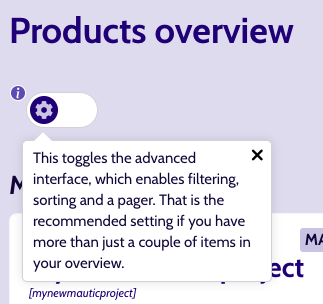
But by using the toggle, you can switch to a more advanced interface, with filters and ordering options. This is especially handy if you have more than just a couple of Products available or if you are in multiple Organizations
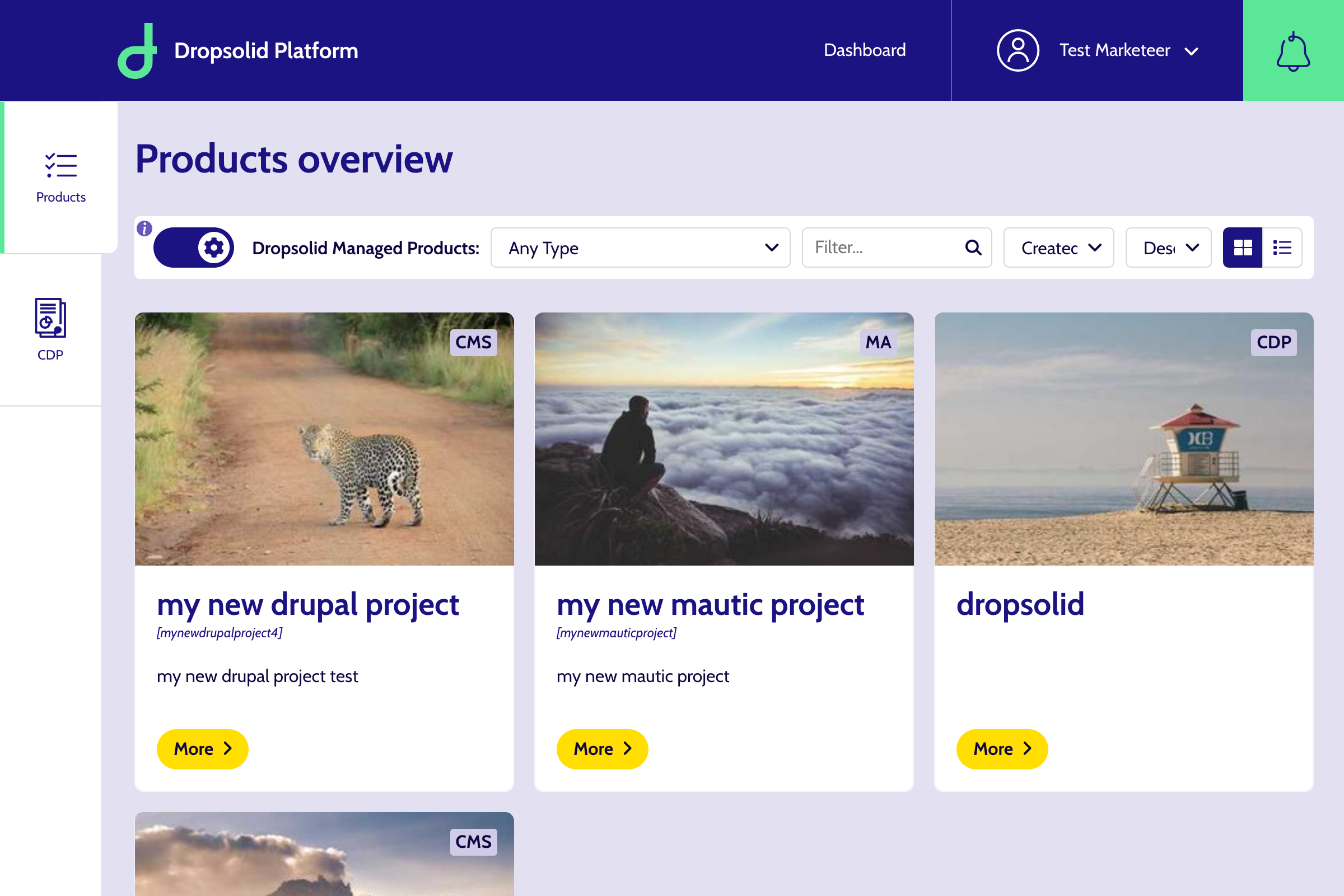
When using the toggle, you should now see a filter bar which allows you to filter and sort using a variety of factors:
- organization
- Type: Marketing Automation (MA), Content Management System (CMS), Customer Data Platform (CDP) and Other.
- Sort by: by default it’s chronologically by Creation date
- Sort direction: by default, it’s descending → so you’ll see the newest ones first
You can also change the display from a list to cards, by using the icons on the right of the filter bar.

There is also a Filter field, which you can use to search for specific Projects. It has autosuggestion, so you don’t have to input the complete name.
