Product detail: Overview
Info
Clicking a Product name (be it in the listing or in the search suggestions), brings you to the Project itself.
All Products have at least 1 tab ‘Info’, containing basic information such as:
- name
- description (optional)
- install profile (except on CDP)
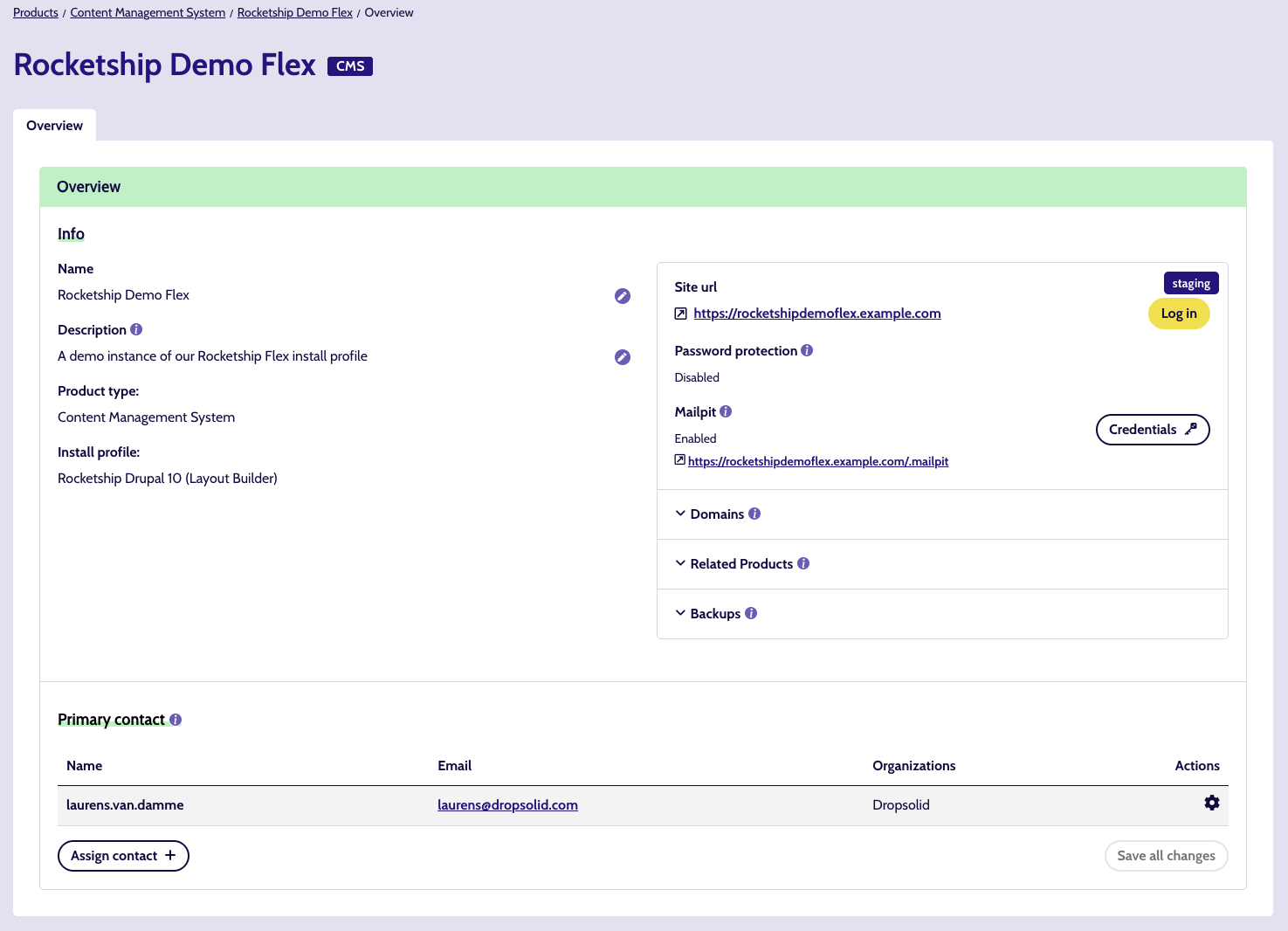
Most Products, except CDP & Dropsolid AI, can also show 1 or multiple Environments with some info:
- url
- whether it has SSL or not
- whether password protection is enabled or not, as well as the credentials needed to access it
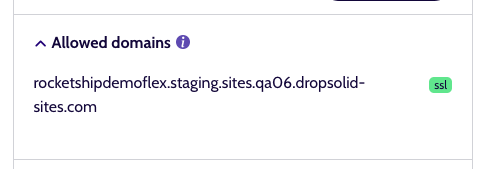
- Domains
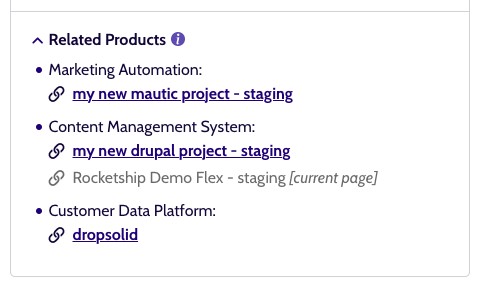
- Related Products
Logging into a Product Environment
This can be done via the Log in button. In the case of a Mautic, this will simply lead you to the login page.
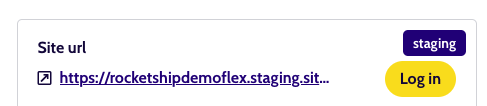
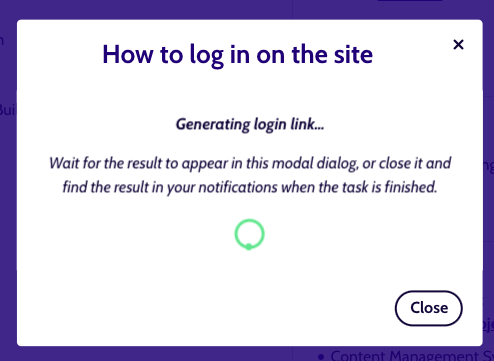
But for Drupal sites, you will be automatically logged in as an admin, by generating a one-time login url. Following that url, brings you to the backend of the site.
SSL
You will also see if the Environment has SSL or not. All production (Live) environments should have SSL.
Password protected Environments
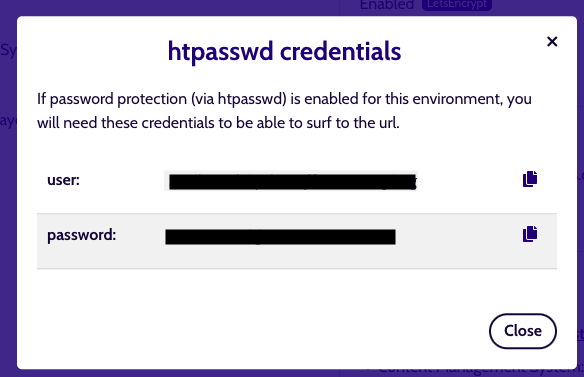
When this is enabled, opening the Credentials modal will give you the user and password needed to get to the site.
There are copy icons on the right of each line, to make copying the items easier. Just click an icon to auto-copy the value of that line.

Domains
On most Product types, this is a list of the domains that point to the Environment. These should contain not just the main domain but also any aliasses, if everything has been correctly set up.
For a CDP, this wil list the domains where capturing data is allowed. We only allow inbound traffic for allowed domains. You can find more info about this in the CDP documentation.
Related Products
Multiple Products (and Product Environments) can form their own ecosystem through special relationships:
- eg. The Live environment of a Drupal site (CMS) might have a newsletter subscription form but the contacts and newsletters themselves are handled by a Mautic site.
- eg. The Live environment of a Drupal site (CMS) might contain a data capture script to collect visitor data for Segments, but the segments are managed by a CDP.
Primary contact
A primary contact is a platform user assigned to a project who should be notified about maintenance, incidents, and important changes. At least one primary contact is required per project.
Assigned users that are members from another organization will be hidden if the current user has no access to that organization.
(Un)Assigning contact members can be done here or on the product detail page, by members with the correct permissions.

Info
When a member is removed from the organization or has their platform subscription cancelled, the primary contact is automatically unassigned.