Keep track of UTM parameters in visitor profiles
Tracking UTM parameters
In this example we will set up Unomi to keep track of UTM parameters in visitor profiles.
Snippet
We use this snippet to check if UTM parameters are found in the URL, and if there are, it will save them in Unomi:
<script>
    // enable namespace that handles the queue and methods
    window.dsdc = window.dsdc || function () { (dsdc.q = dsdc.q || []).push(arguments) }; dsdc.l = +new Date;

    // track UTM parameters
    window.dsdc('beforeRequest', function (data) {

        // temporary store our capture data & potential merge value
        var changedCapture = data.requestData;

        // get query parameters in URL
        queryString = window.location.search;

        // check if URL contains query parameters
        if (queryString != '') {
            // get UTM parameters
            urlParams = new URLSearchParams(queryString);
            utmCampaign = urlParams.get('utm_campaign');
            utmSource = urlParams.get('utm_source');
            utmContent = urlParams.get('utm_content');
            utmMedium = urlParams.get('utm_medium');

            // add UTM parameters to capture data
            changedCapture.te__utmCampaign = utmCampaign;
            changedCapture.te__utmSource = utmSource;
            changedCapture.te__utmContent = utmContent;
            changedCapture.te__utmMedium = utmMedium;
        }

        // use a global function to pass the modified capture back to the main script
        dsdc.updateCapture(changedCapture);
    });
</script>
Test
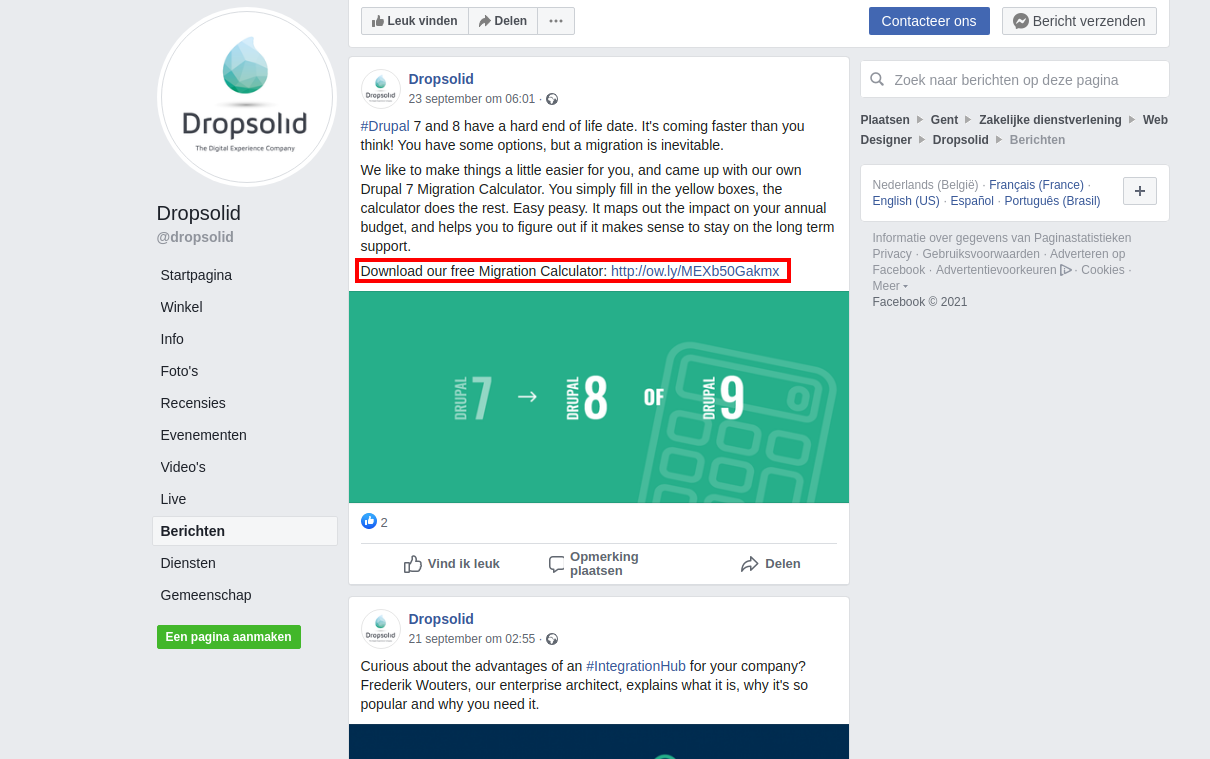
We click on this link that we found on a Dropsolid post on Facebook.
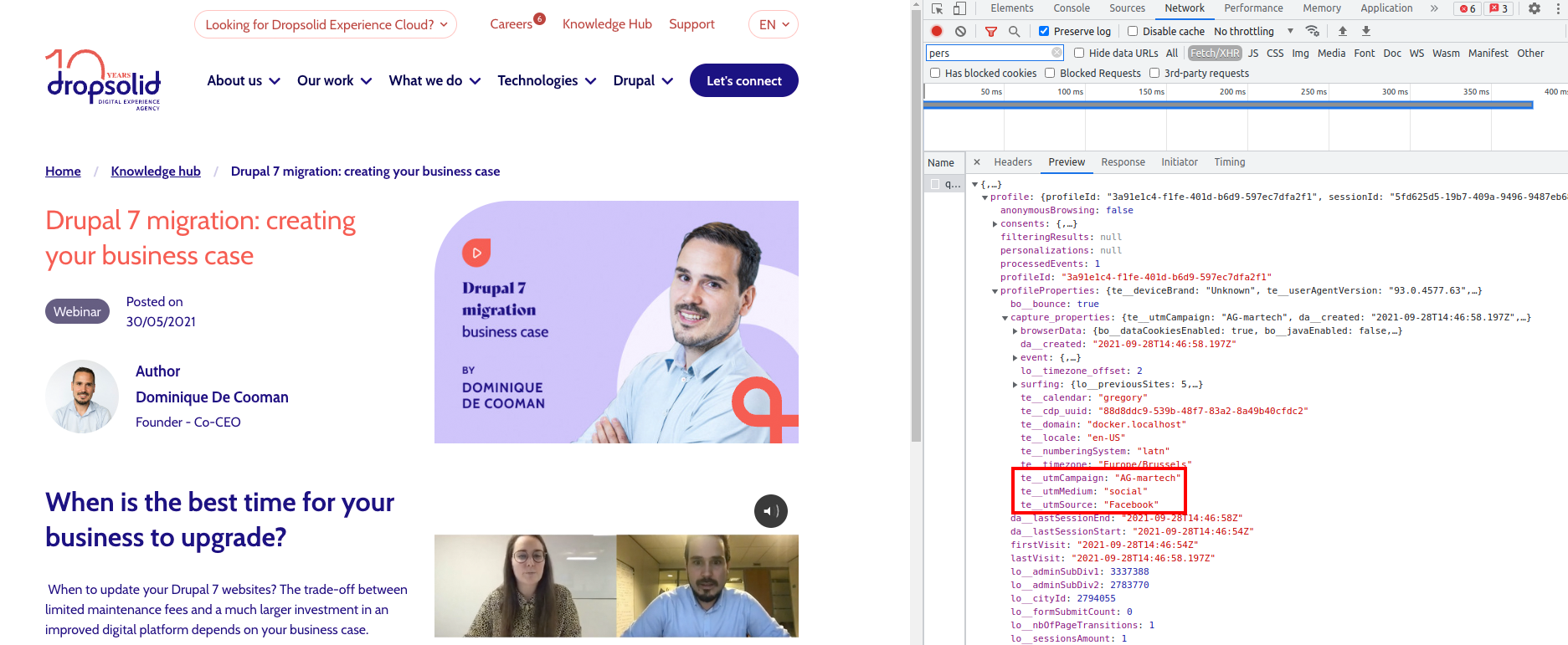
We are redirected to a page which has these UTM parameters:
utm_campaign= AG-martechutm_source= Facebookutm_medium= social
We inspect the page and in the network tab we see the capture data that was sent to Unomi and the profile it returns in response when we went to this page. We see our visitor has the UTM parameters in the Unomi profile.
Now segments can be created in Unomi using these UTM parameters to better categorise visitors!