Transfer to Segments
Create new or update existing segments based on the classifications of the active model (usually the latest model in the list)
In doing so, a classifications' UUID gets added to the Segment as a condition (via the Rules).
Transfer
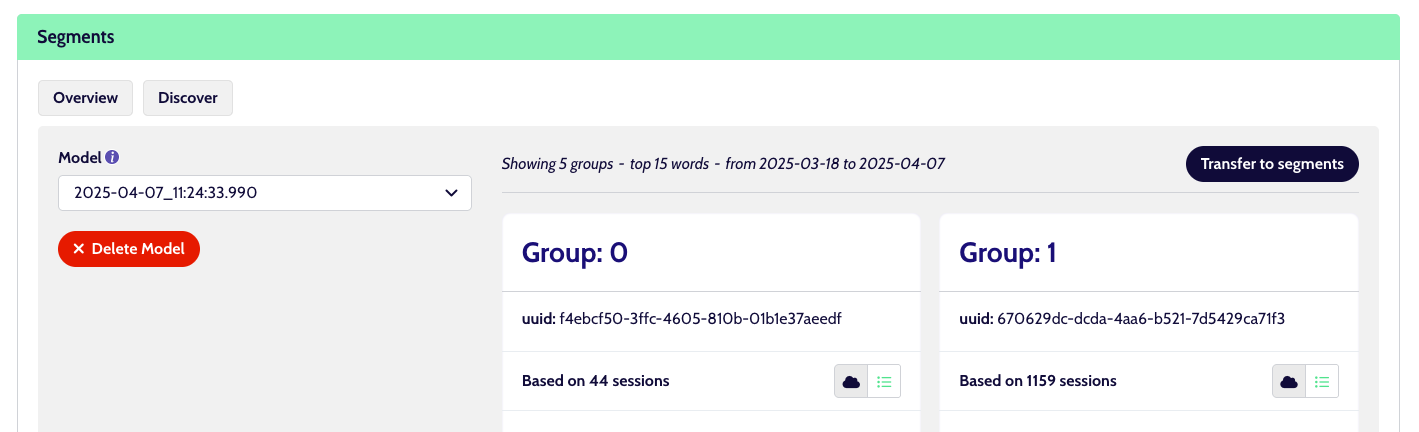
Select the model in the left sidebar and click the ‘Transfer to segments’ button on the top right of the groups (classifications).
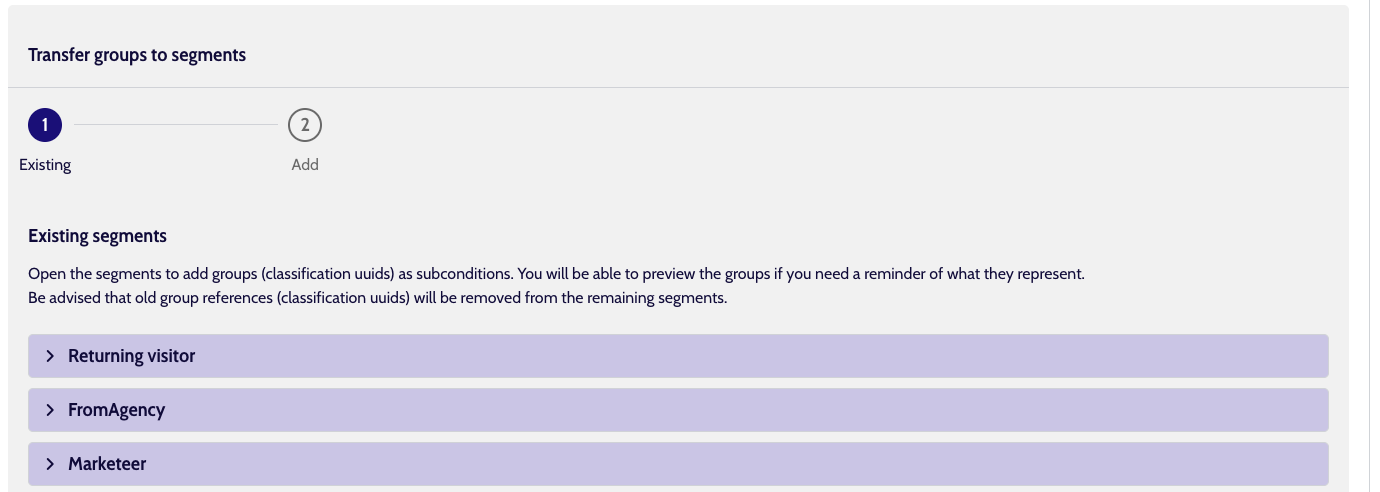
Step 1: existing segments
This will show you a list of already existing segments, which you can modify and add a classification to. If you want to do this with new segments instead of old ones, just hit ‘Next’ at the bottom and you can do that in Step 2.
Otherwise, let’s have a look at the existing ones first, the are represented by collapsible items.
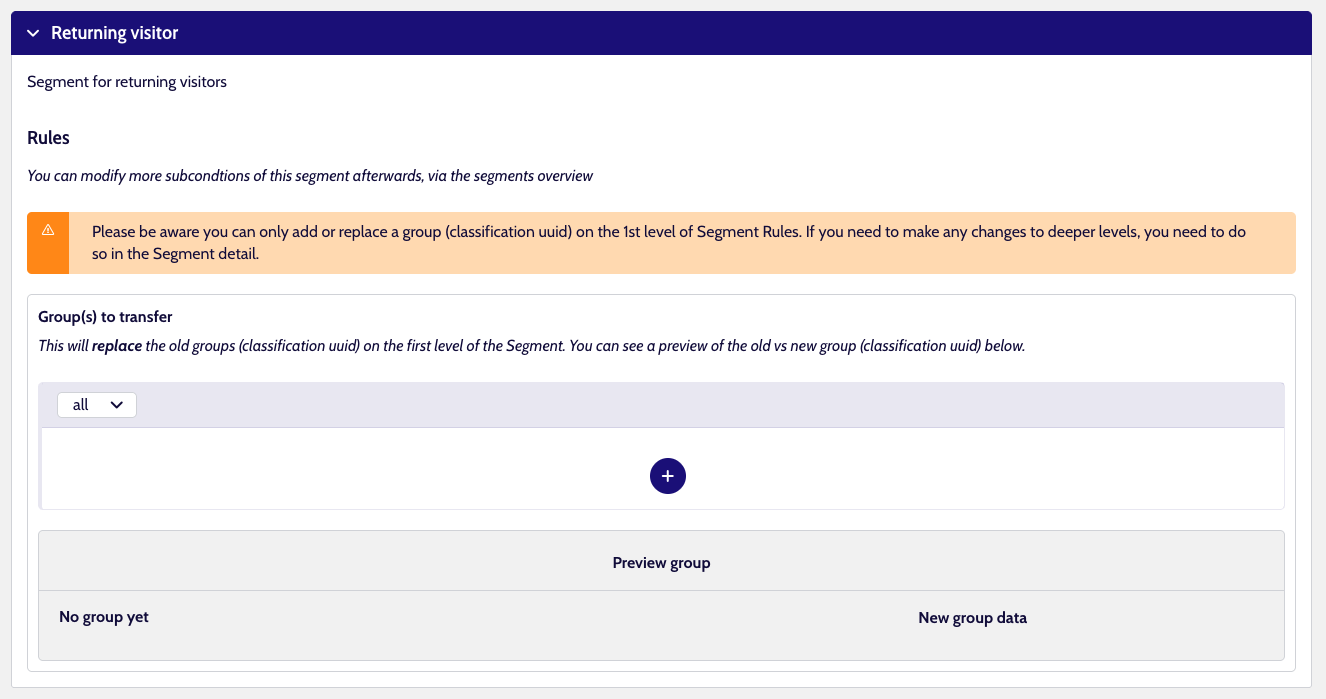
When you click to open them, you can use the big '+' button to add the classification you want.
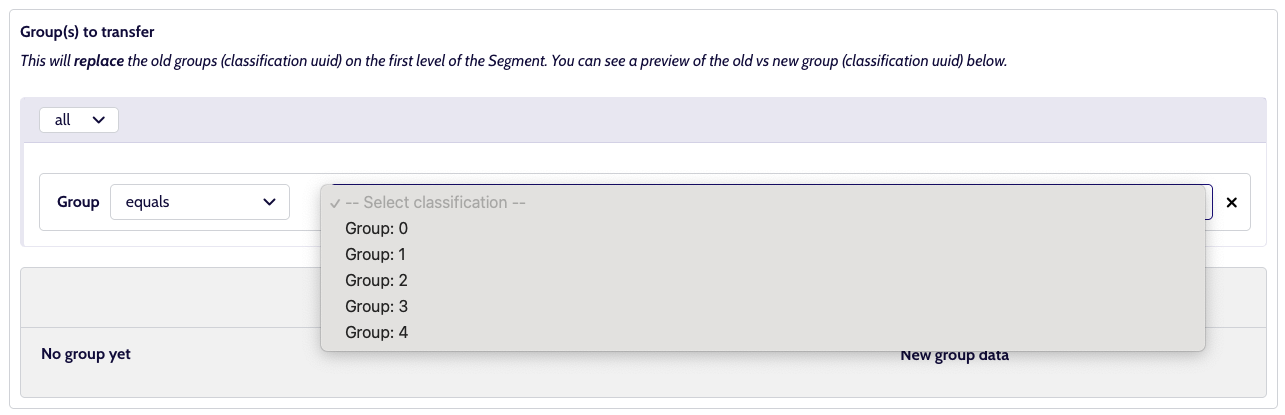
Select which of the classifications to map onto the segment.
When you are done mapping the classifications you want, onto the Segments you want, you can click ‘Next’ at the bottom-right to go to step 2
Step 2: Add new segments
Use the '+' to add a new item
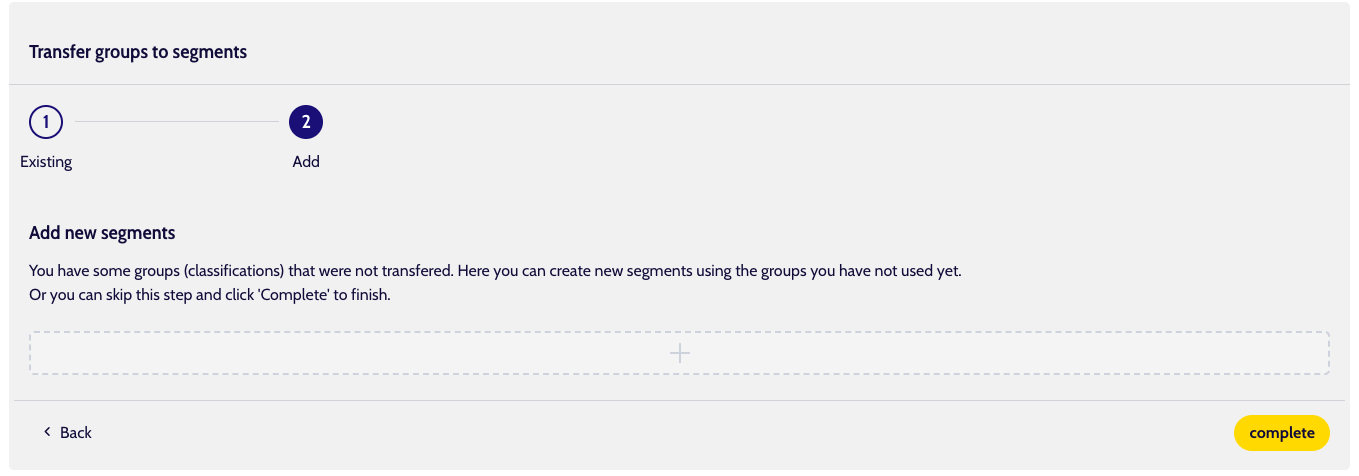
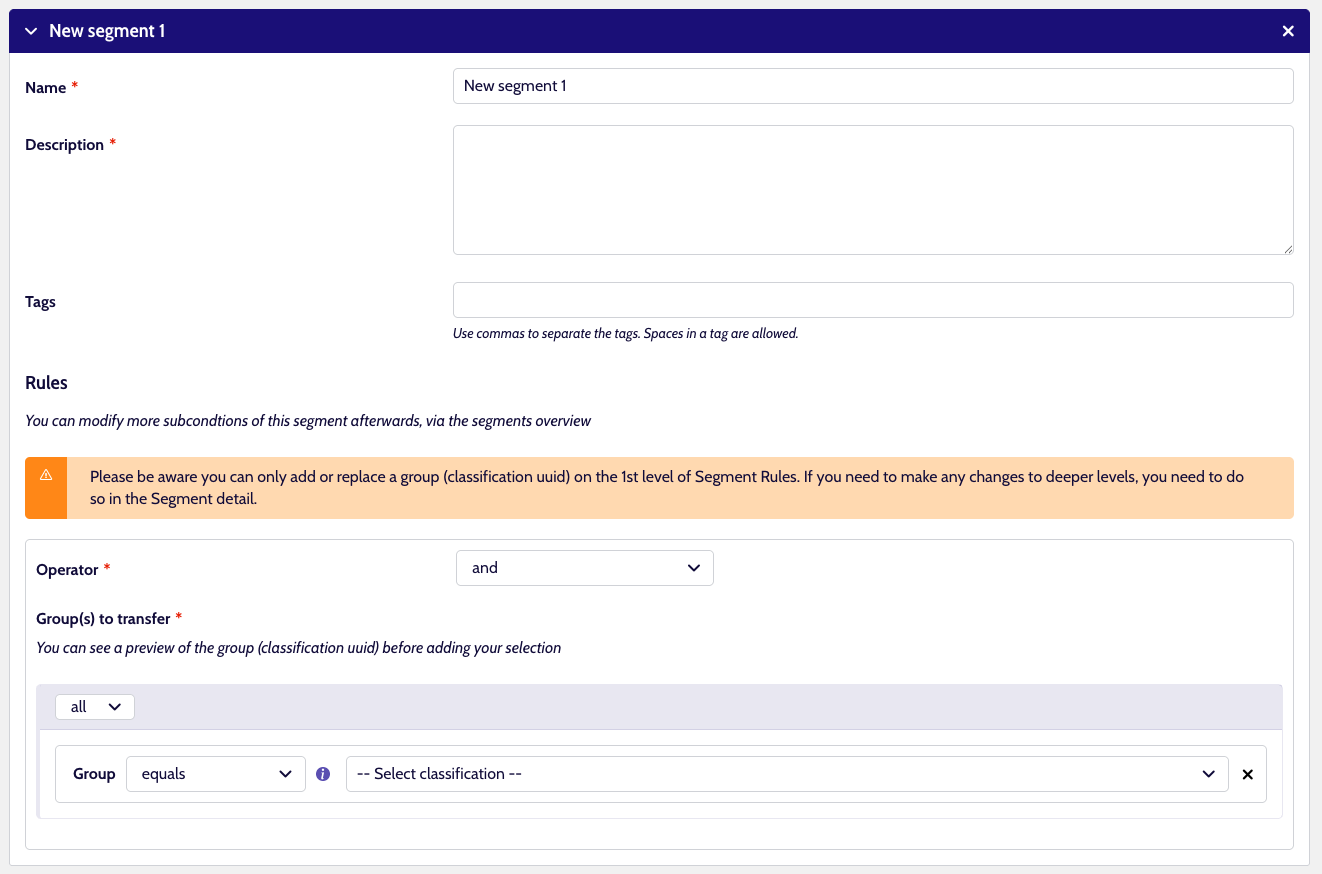
The fields are vey similar to normal Segment creation, with the difference that you can only add classifications (group) to Rules. Pick the one you need.
When done, hit the 'Complete' button at the bottom left, and you will be taken to the Segments overview. There you will see that your new Segments are being created and existing segments are being updated.
Manually set
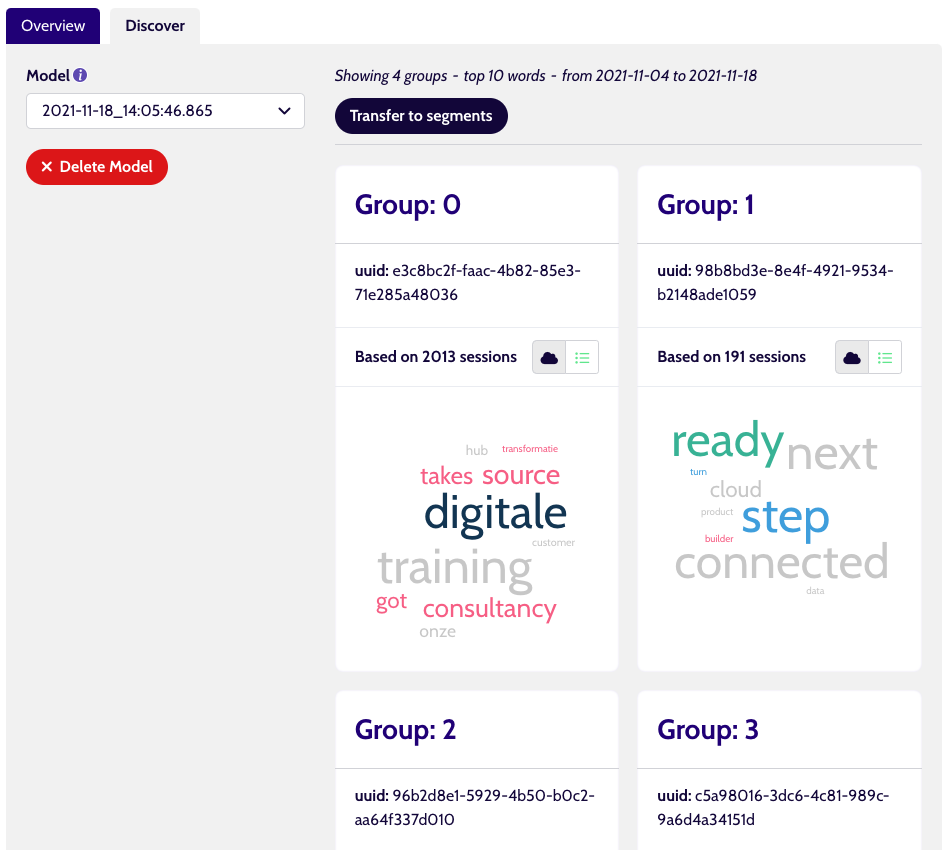
You can also manually add a classifications' UUID to any segment, if you copy the UUID of a classification from the Model that is currently active (latest model in the list).
In this screenshot, we have a Model selected, and we simply select & copy the UUID of the first classification (called Group:0)
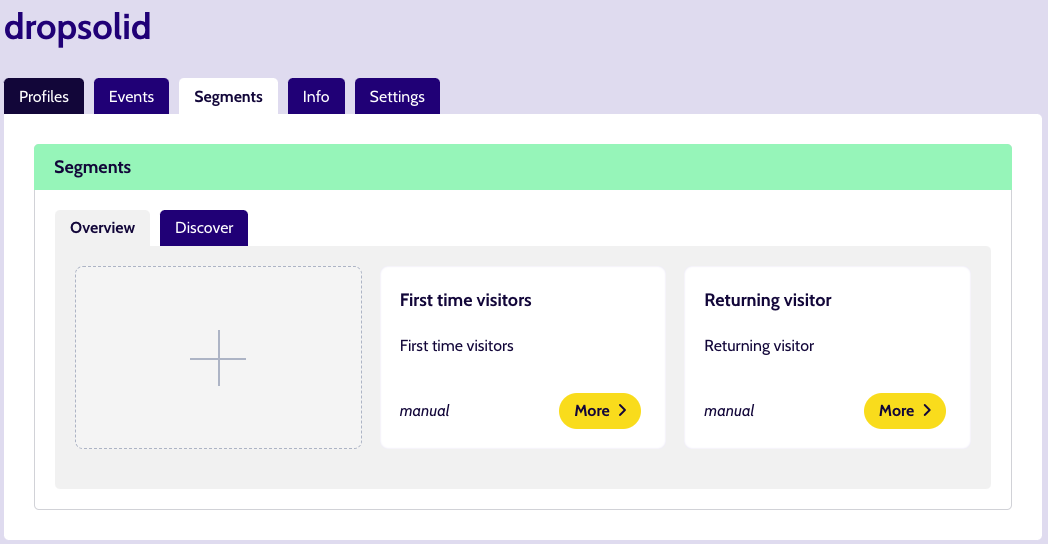
Then we go back to our Segments overview and click the ‘More’ button on the Segment we want to edit.
Add a new Rule with classification > uuid as property and the UUID we copied can be pasted as its value.
