Deploy to an Environment
Step 1: Accessing the deployment option
Where to find the deployment option
To deploy your project, navigate to the Shortcuts dropdown in the project sidebar. Here, you will find the option to Deploy.
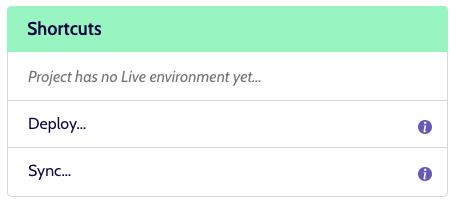
If the Deploy shortcut is disabled, it may indicate that you lack the necessary permissions to deploy. In such cases, contact the helpdesk to verify and adjust your access rights.
Step 2: Deploying code to an environment
What does the deploy shortcut do?
The Deploy shortcut allows you to deploy your code to a specific environment within the project.
For more detailed information on the environment deployment process, please refer to the Environment Deployment page.