Delete a project
Where
Under the "Actions" dropdown on a project.
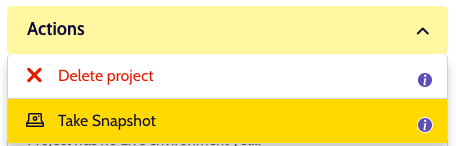
Clicking this action will open a modal where you can optionally select whether to first take a snapshot. Unlike manually triggering a project snapshot, this snapshot will also take a snapshot of all the still active environments. For more information on snapshots, see 'Taking a snapshot'.
Warning
IMPORTANT: Without a snapshot, there is no way to restore a project. This is a destructive action.
What does it do?
This action will delete all environments as well as the git repository for this project. If you opted to first take a snapshot, each environment and the project itself will first receive a snapshot. If any of these snapshots fail, the deletion will be aborted.