Manage promoted environments
Add or Remove an environment from overview, when accessing a project the Products section.
This section is accessible if you have a non-technical role.
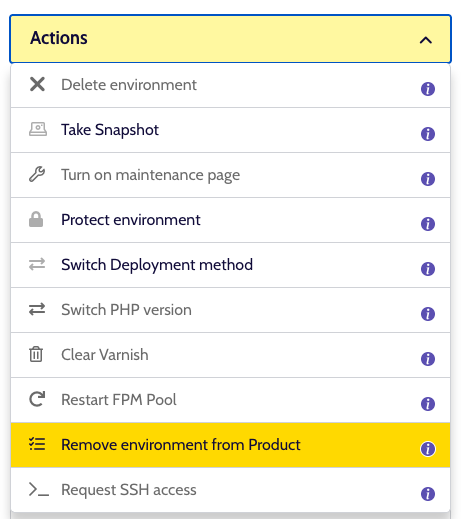
Under the Actions dropdown on an environment detail page.
What does it do?
Clicking this action will open a modal to confirm whether or not you want to add or remove the current environment from the Product view.
This action simply ensures the environment is listed so, for example, profiles like a Marketeer can access and log into this environment and see relevant information for it.
When finished, you will see the full list of 'promoted environments' in the Project overview tab as well.